Get all the new deals and savings hacks straight to your inbox
Will be used in accordance with our Privacy Policy
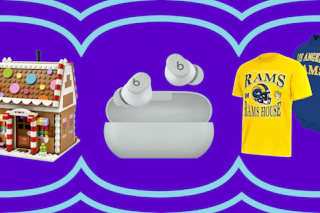
QVC offers a ton of deals all year long, with discounts on some of its best-selling brands. Save on Beats, Shark, HP, NFL Gear, and more for a limited time.
Plus, first- and second-time QVC shoppers can use eligible coupon codes to save even more on their orders.
-
(Now - 12/31) For $20 off orders of $40+ for new users, use code KCLQVC20
-
(Now - 12/31) For $10 off second orders of $25+, use code HELLO10
See all QVC deals here.
There’s a faster way to save. It’s in our app. Download the KCL app for free now .
QVC Coupon Code Deals

What's on this page:
How do you use a promo code on QVC?
It’s super easy to use a QVC coupon code at QVC.com, but they’ll make you sweat it out through the checkout process, saving the ‘Add a Promo Code’ option until the very last page. Here’s what you’ll do:
-
Click on your shopping cart in the upper right-hand corner of the screen.
-
On the next page, click ‘Checkout.’
-
Enter your email address.
-
Then add your shipping address.
-
For billing options, check either five easy payments or one payment, and then continue.
-
Now you’ll select your form of payment.
-
And then, finally, once you get to the Order Review page, you’ll see a box that says ‘Add a Promo Code’ under ‘Order Total.’ Enter your code and then click ‘Apply.’
-
Voila! You’ve redeemed your QVC coupon code for any applicable purchases.
You May Also Be Interested In:
Download the KCL app to add and redeem coupons in store
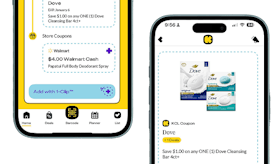


For iOS and Android users.
Get all the new deals and savings hacks straight to your inbox
Will be used in accordance with our Privacy Policy